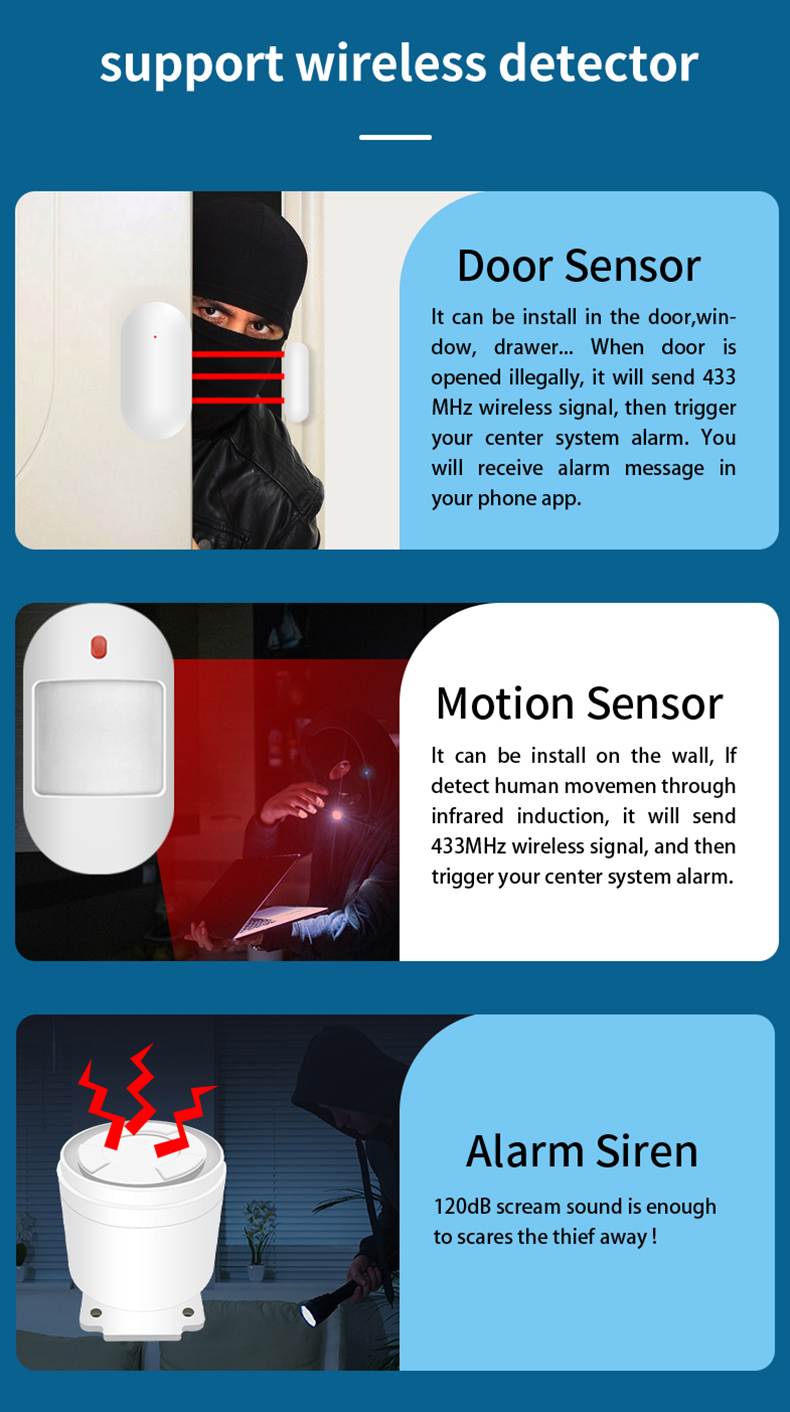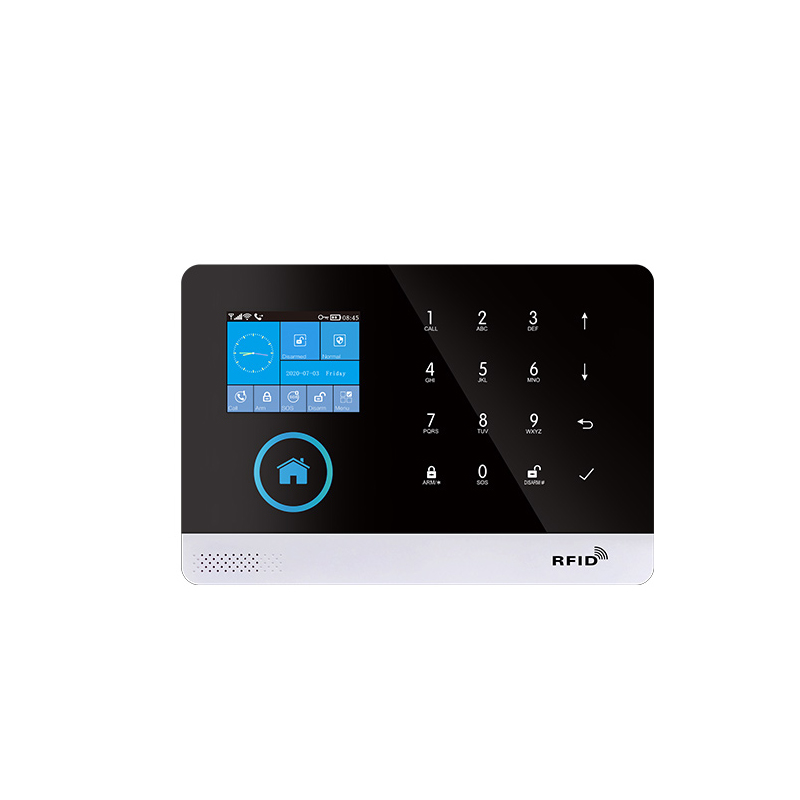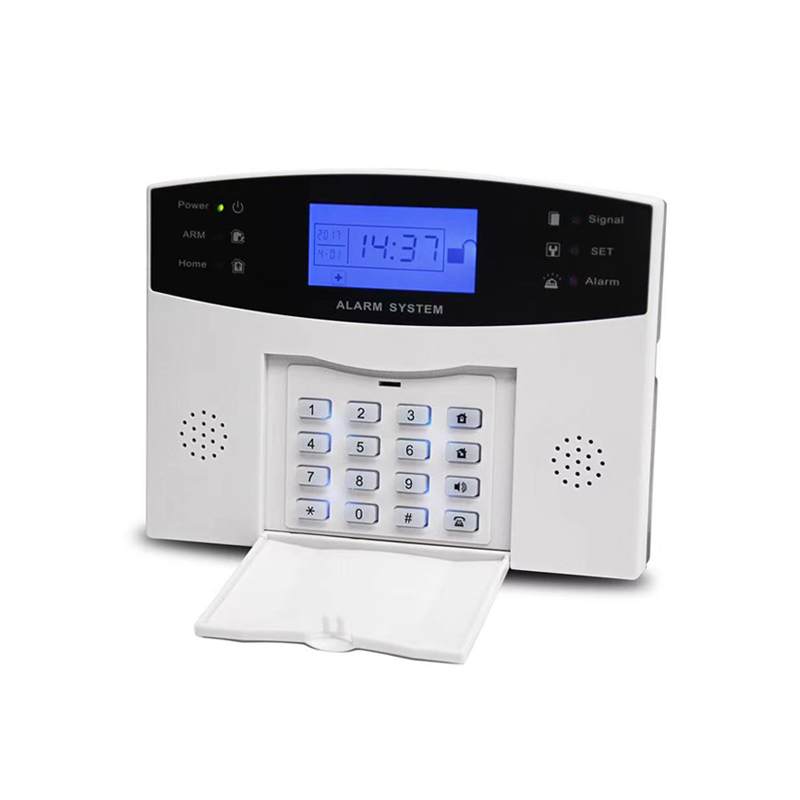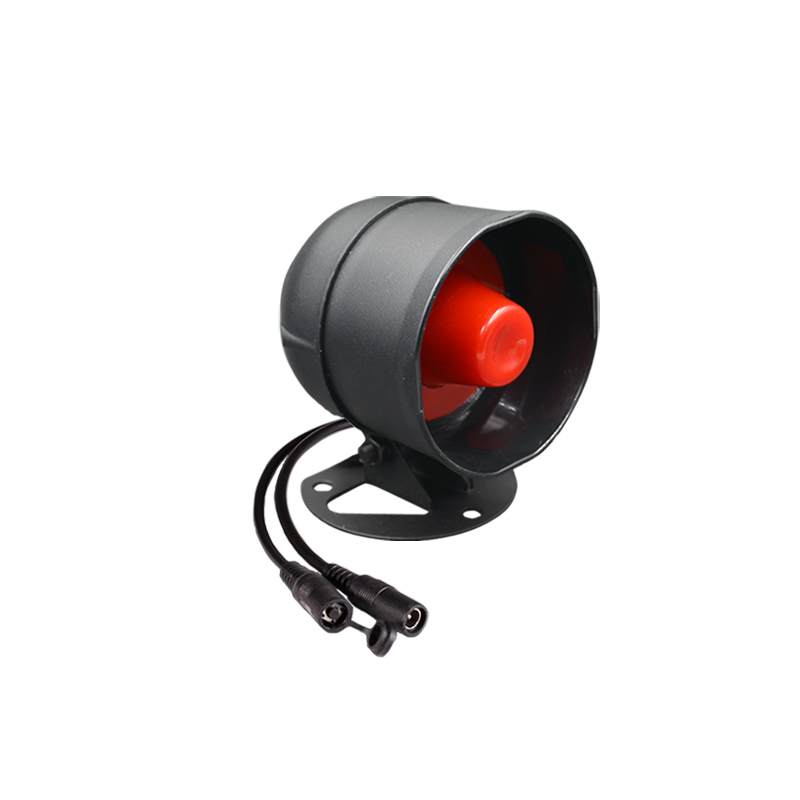
Description
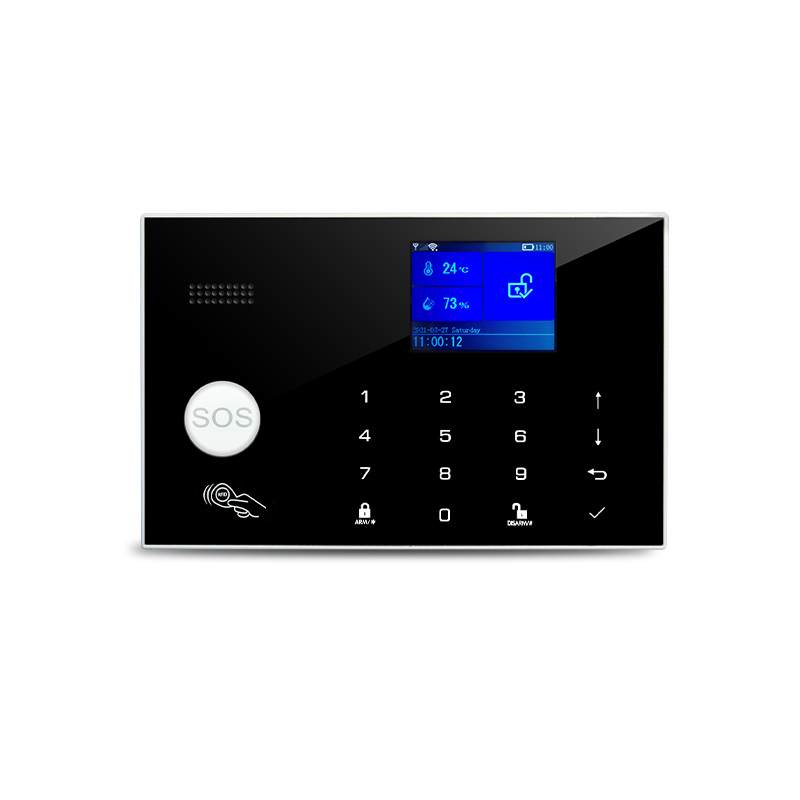
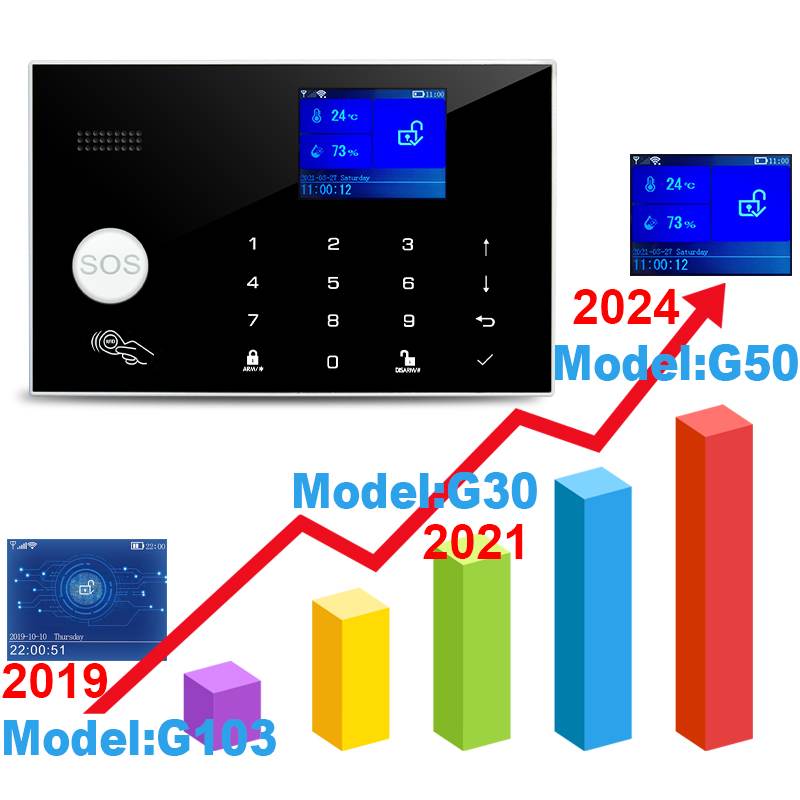
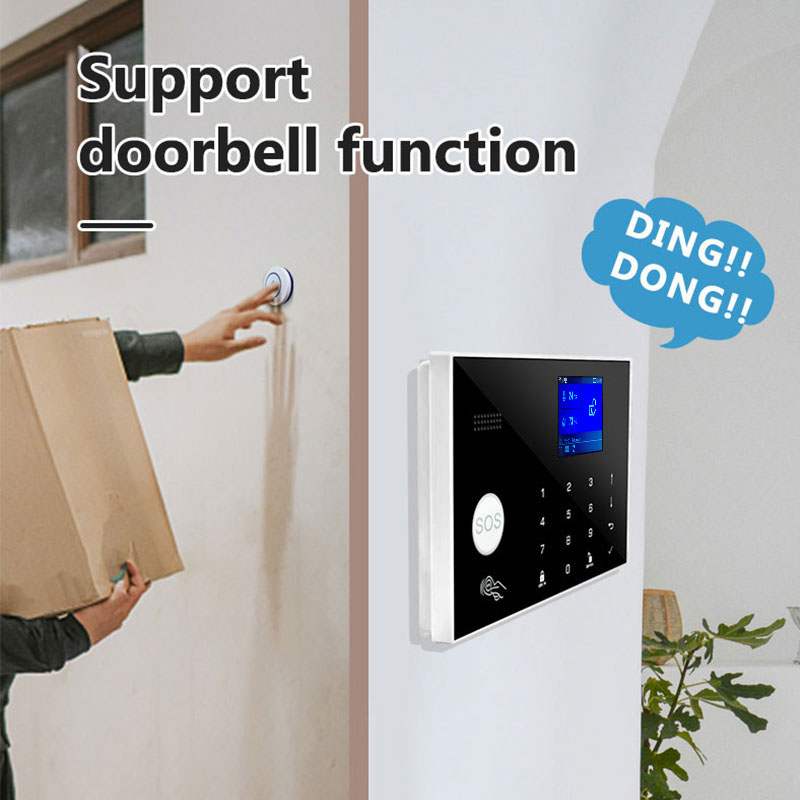
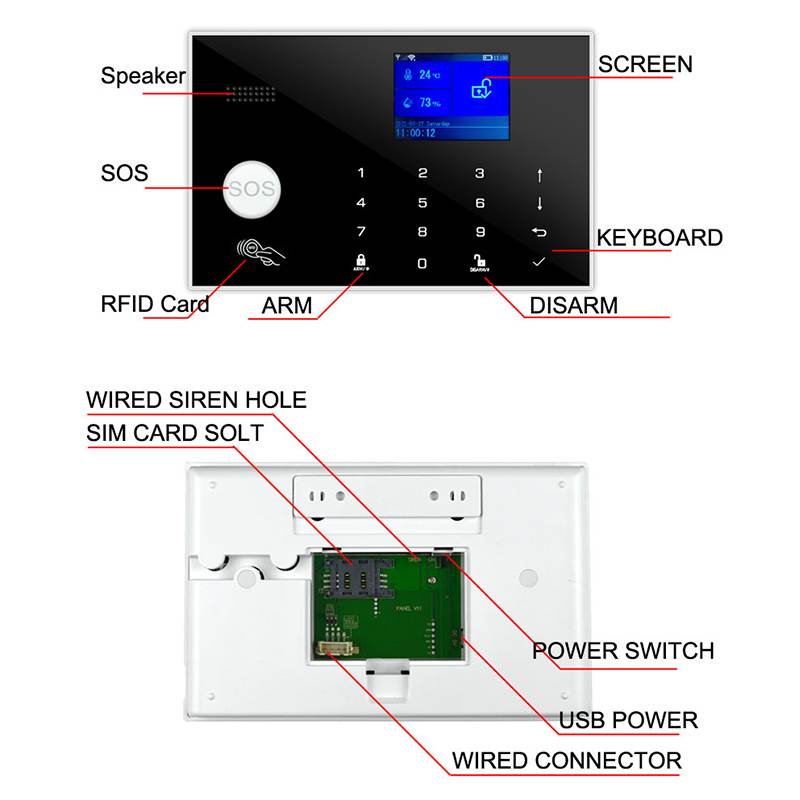
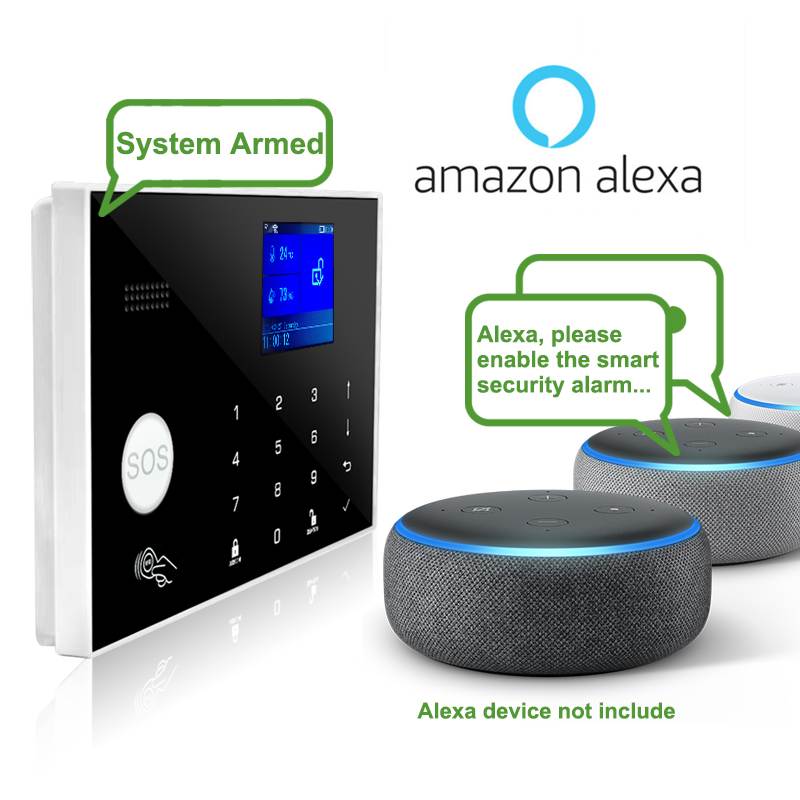
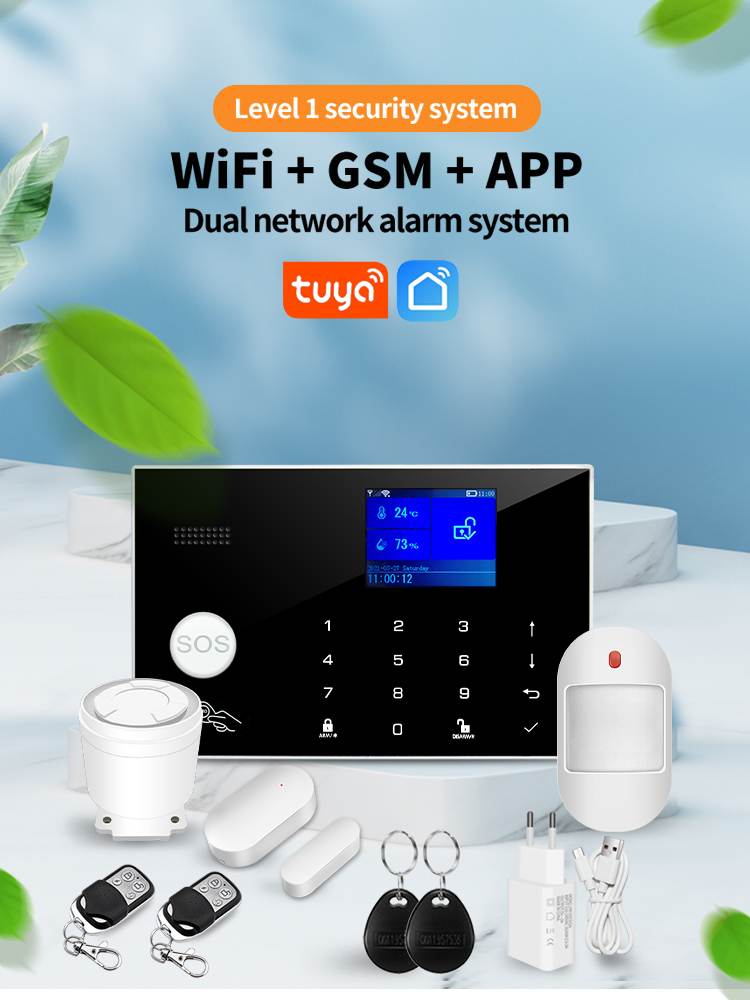
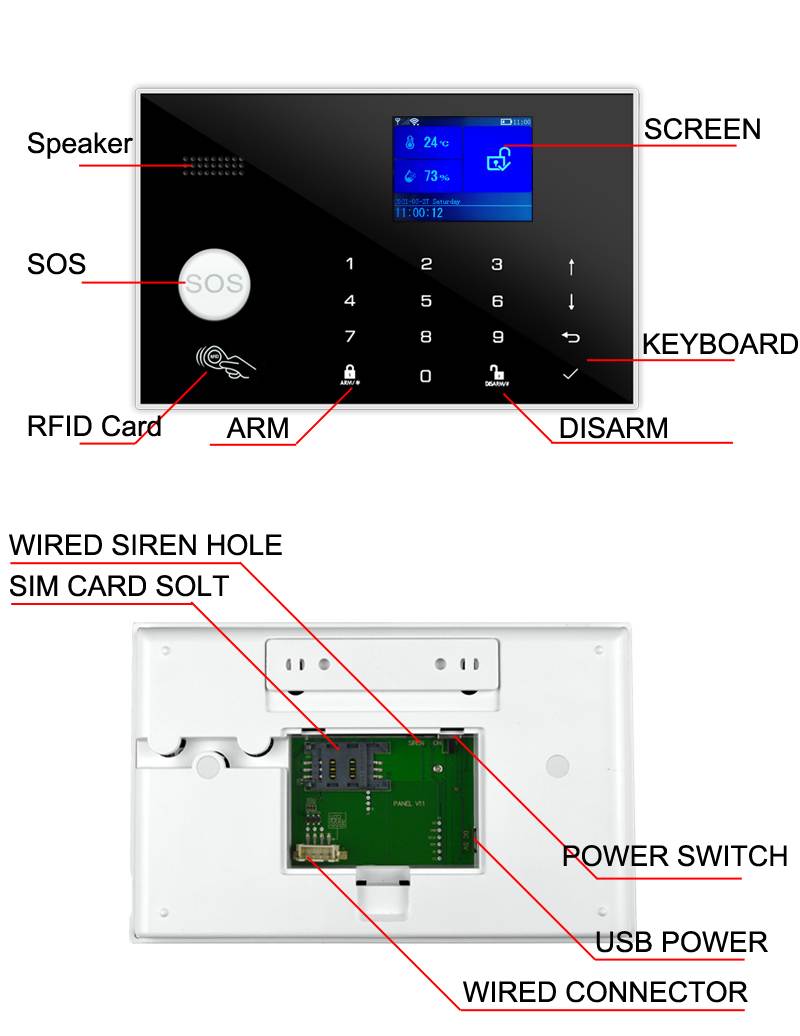
Tuya WIFI GSM Alarm ER-G50
Please check the following conditions for a successful setup:
If using a 4G SIM card, ensure that your wireless service provider’s 2G network is still operational in your country.
If the 2G network is unavailable, you should purchase the hub with a 4G cellular communicator instead.
The followings are for hub cellular + Wi-Fi model only.
1:You should select a 2.4GHz Wi-Fi network. The hub does not support the 5GHz Wi-Fi. Select the 5GHz band instead of the 2.4GHz band is the most common mistake when setting up the hub for the first time.
2:Your Wi-Fi password must not contain space or other special characters.
3:Place your hub as close as possible to your router when setting up.
4:A slow network speed will also affect the performance of your hub. It is recommended to have an upload speed of at least 2Mbps or faster.
5:Make sure that the AP isolation setting in your router is disabled.
What You Need
To set up and use Alarm System, you’ll need an iPhone or Android phone, the Smart Security System app, an unused indoor power outlet, a regular SIM card supporting 2G/GSM(for 2G version) or 4G network (for 4G version), and a Wi-Fi 802.11 b/g/n(2.4GHz) network connection
(Hub cellular + Wi-Fi only).
Specifications
Power Supply: Micro USB 110/220VAC to 5V, 1000mA
Backup Battery: 3.7V, 500mAh Rechargeable Lithium Battery
Consumption: <55mA@normal
Siren Output: <500mA
Radio Frequency: 433Mhz
GSM: 850/900/1800/1900MHz
Wi-Fi: IEEE802.11b/g/n
Operation Temperature: -10~55℃