
Description
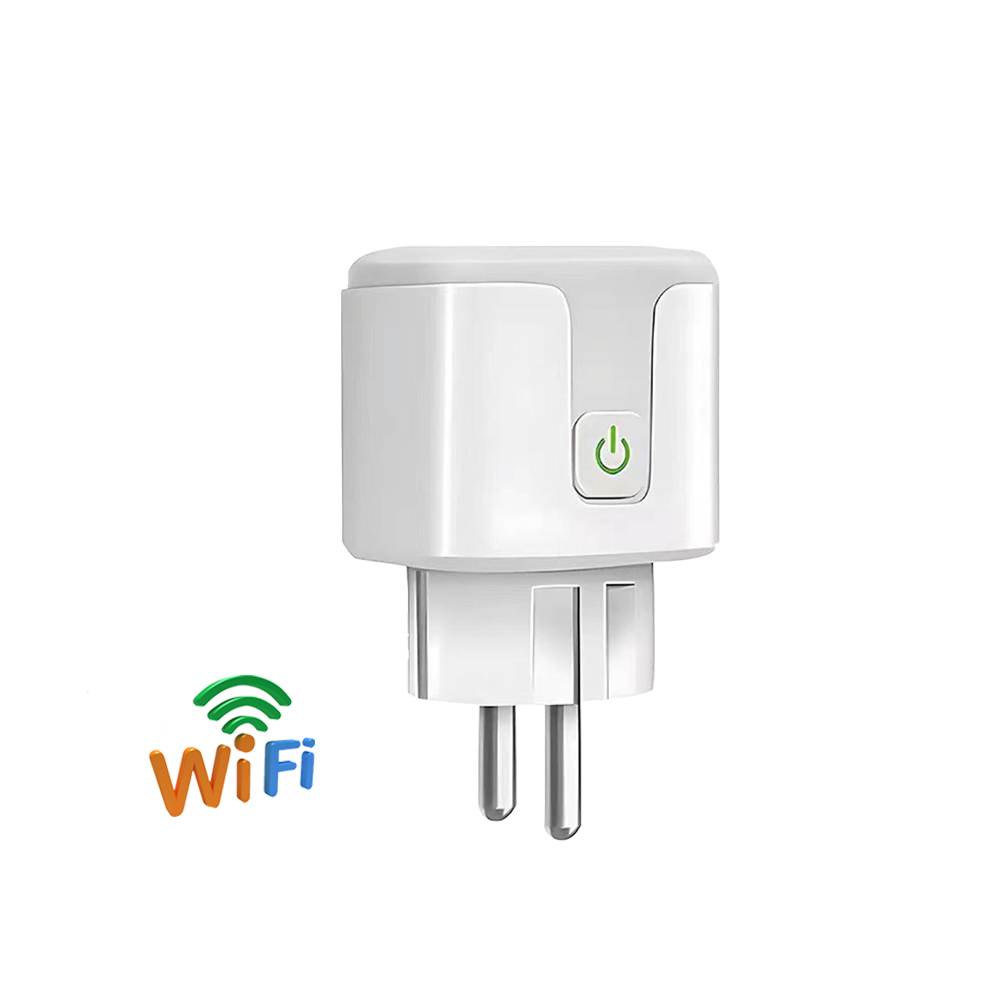
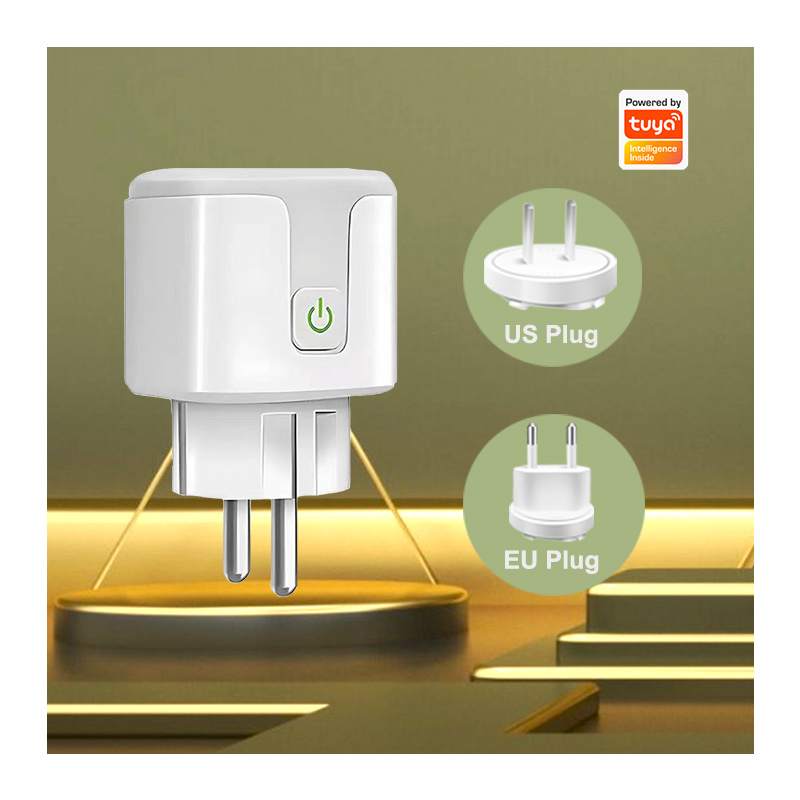
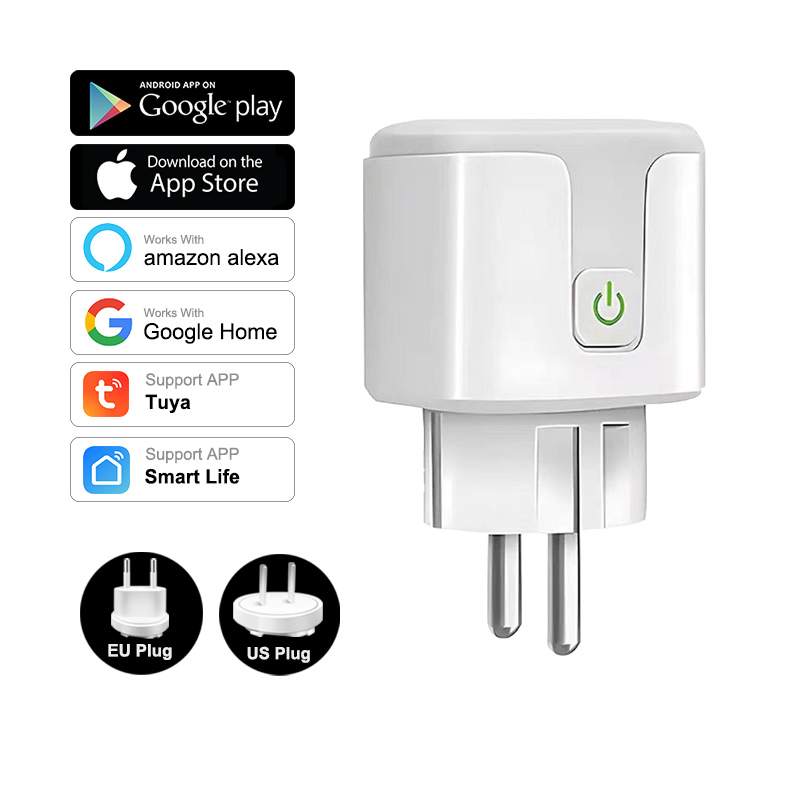
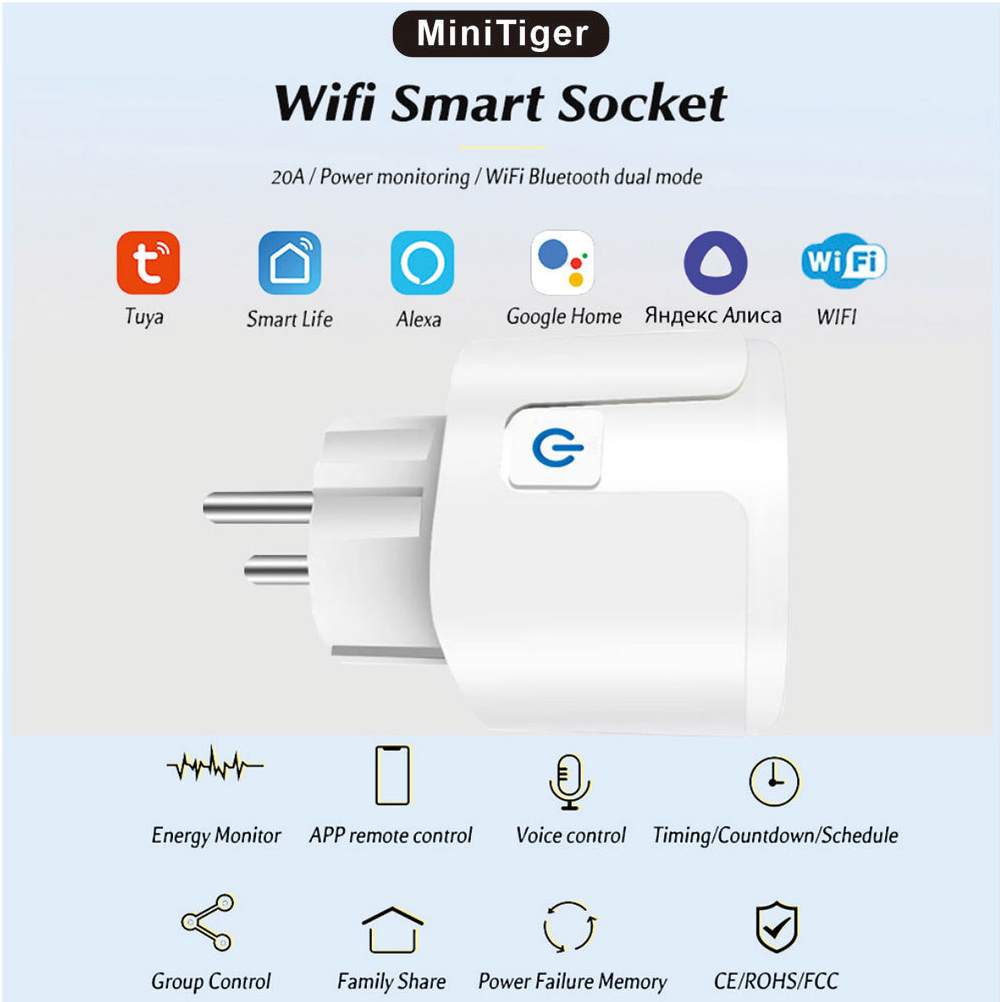
Tuya WiFi Plug
Product Description:
●Short press to power on/off the socket.
●Long press for 5 seconds to reset the socket.
Indicator LED Description:
●Indicator LED Light-on(off) means socket powers on(off).
●Indicator LED blink(5 times per second), which means the socket is at configuration mode(factory mode).
How to reset the socket to the factory mode?
Long press the button for 5 seconds,the indicator LED will blink,that means the socket already is set to factory mode.


Next:
Tuya WiFi Smart Switch